Panels help you keep your server organized by grouping multiple forms into a single dropdown menu.
Instead of cluttering your channel with many messages, you can neatly store them in one panel. 👉 You need atleast 2 Forms.
👉 Each panel can hold up to 20 forms.
#🚀 Getting Started
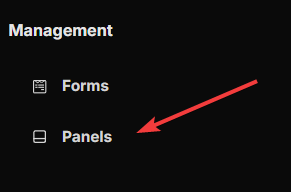
Open your Formify Dashboard and look for the Management menu.
Dashboard Menu
#➕ Create a Panel
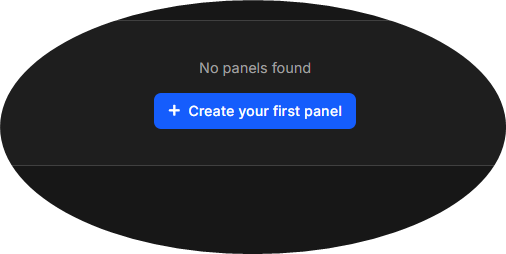
Inside the Panel tab, click the Create your first panel to add a new panel.
Add Panel
#📝 Configure Your Panel
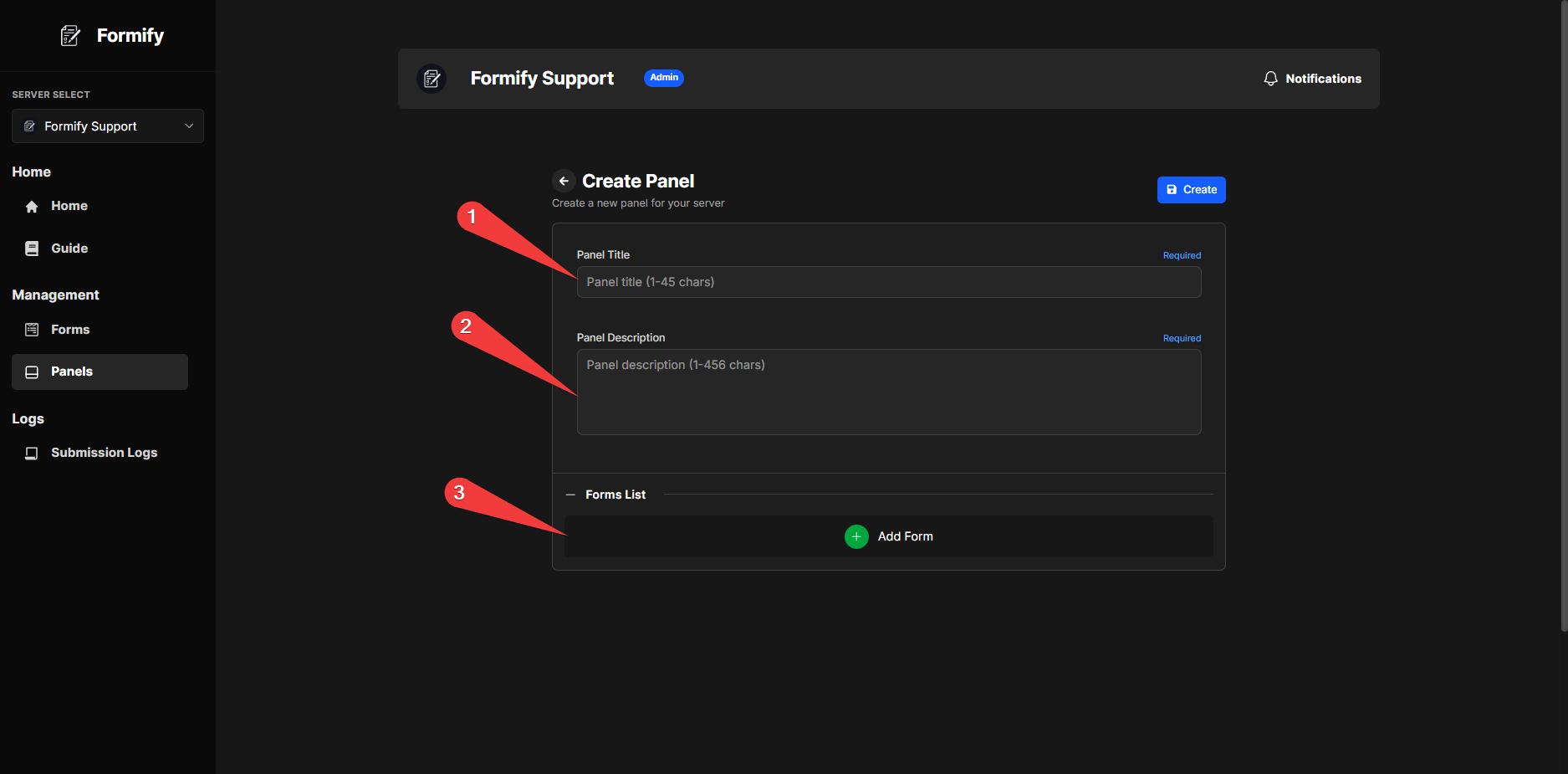
Fill in the following details:
Title – The name of your panel (visible to users).
Description – A short explanation of what the panel contains.
Forms – Select which forms you want to include.
Setup Panel
#✅ Finalize and Manage
After creation:
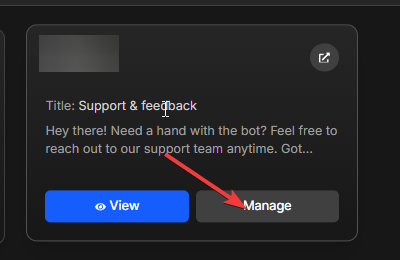
Open your panel in the dashboard.
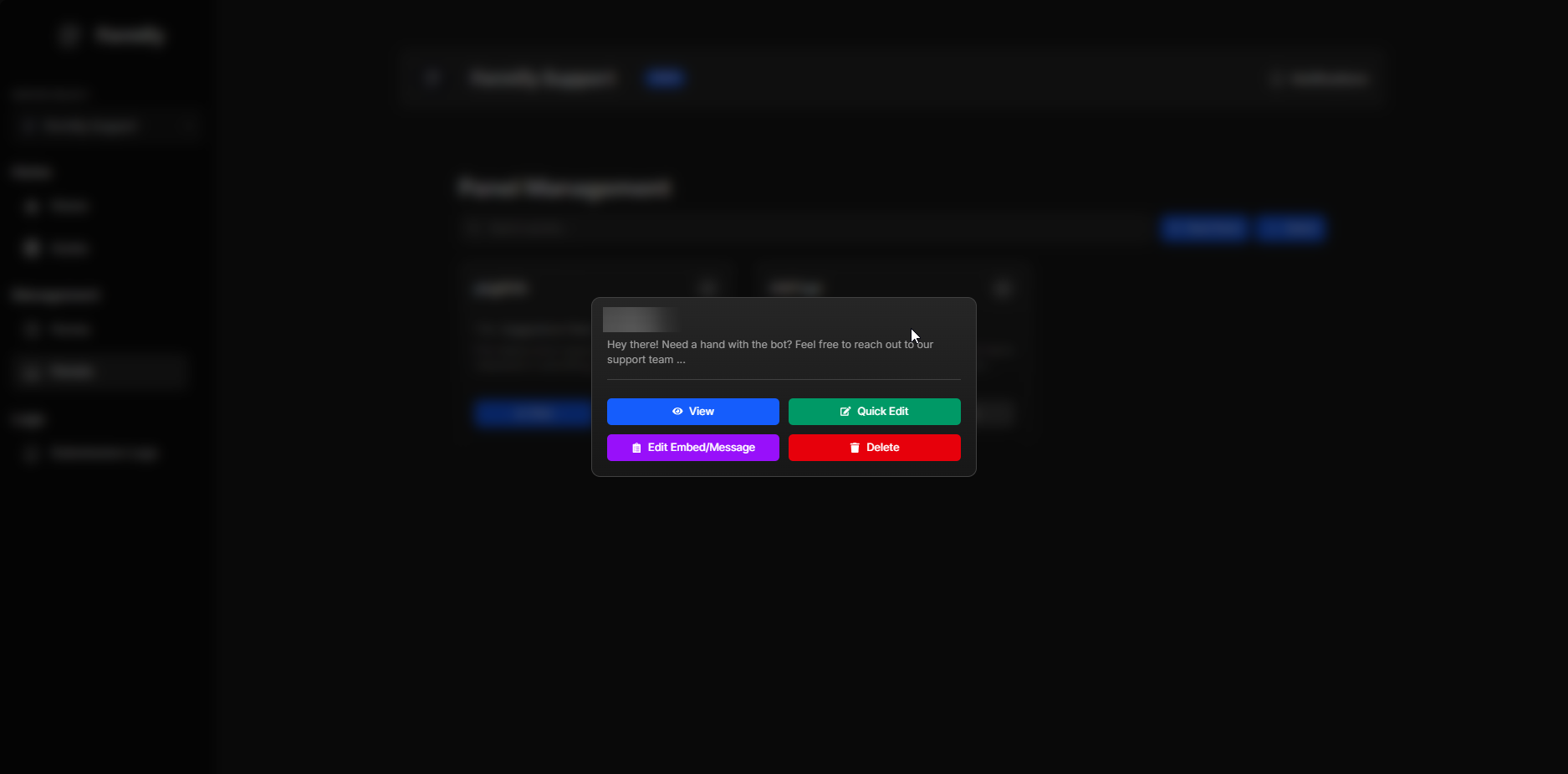
Use the Manage button to customize embeds or update panel settings.